Kami 0.8 adds Snowflake, a managed Node and JavaScript debugging

A whole IDE.
None of the weight.

Kami is a native macOS IDE written in Rust. Language intelligence, git, a debugger, a database client and Claude, in a window that’s ready in 90 milliseconds.

Download for macOS

Version 0.8.0 for macOS 13 or later, on Apple silicon and Intel

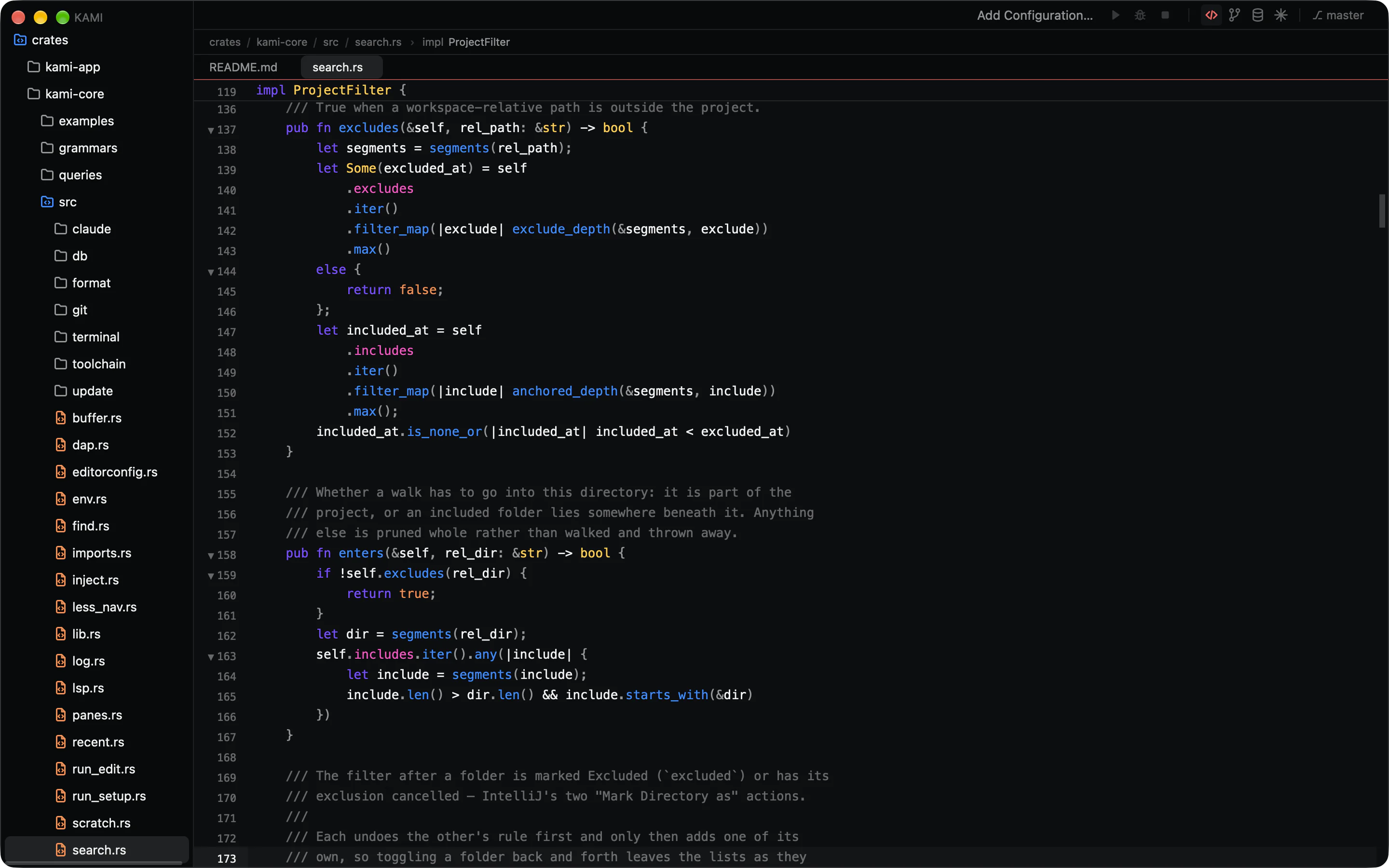
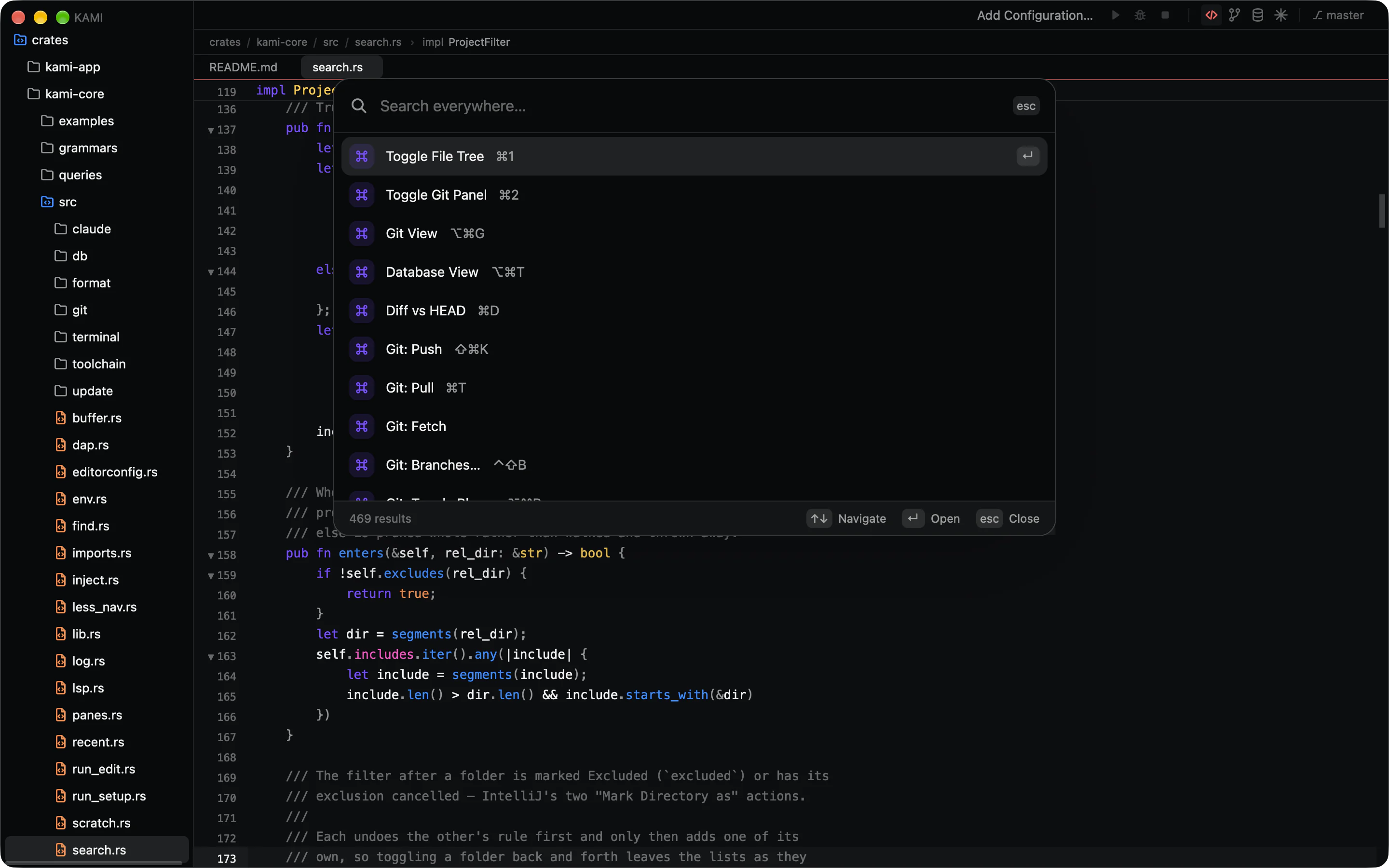
Kami editing its own Rust source, with the command palette open over the editor listing commands and their shortcuts.

Open a project.
Start typing.

No indexing pass, no “dumb mode”, no progress bar between you and the code. Structure comes from tree-sitter and meaning from your language server, and both start the moment a file needs them.

0ms

Cold start, launch to a window you can type in.

Idle memory
80MB

Before language servers. The budget is 250 MB.

Scrolling
118fps

On ProMotion displays, with a 9 ms p95 frame.

Files indexed
0

A 100,000-file repository is usable in under a second.

Every budget runs in CI. A change that breaks one fails the build.

Every action is one keystroke away.

Files, symbols, commands, run configurations and git all live in one list behind ⌘K. Panels are there when you want them, the palette is how you get around.

    This one is live. Try “git”, “zen” or “download”. Everything under This page works right here.

    Everything you kept IntelliJ open for.

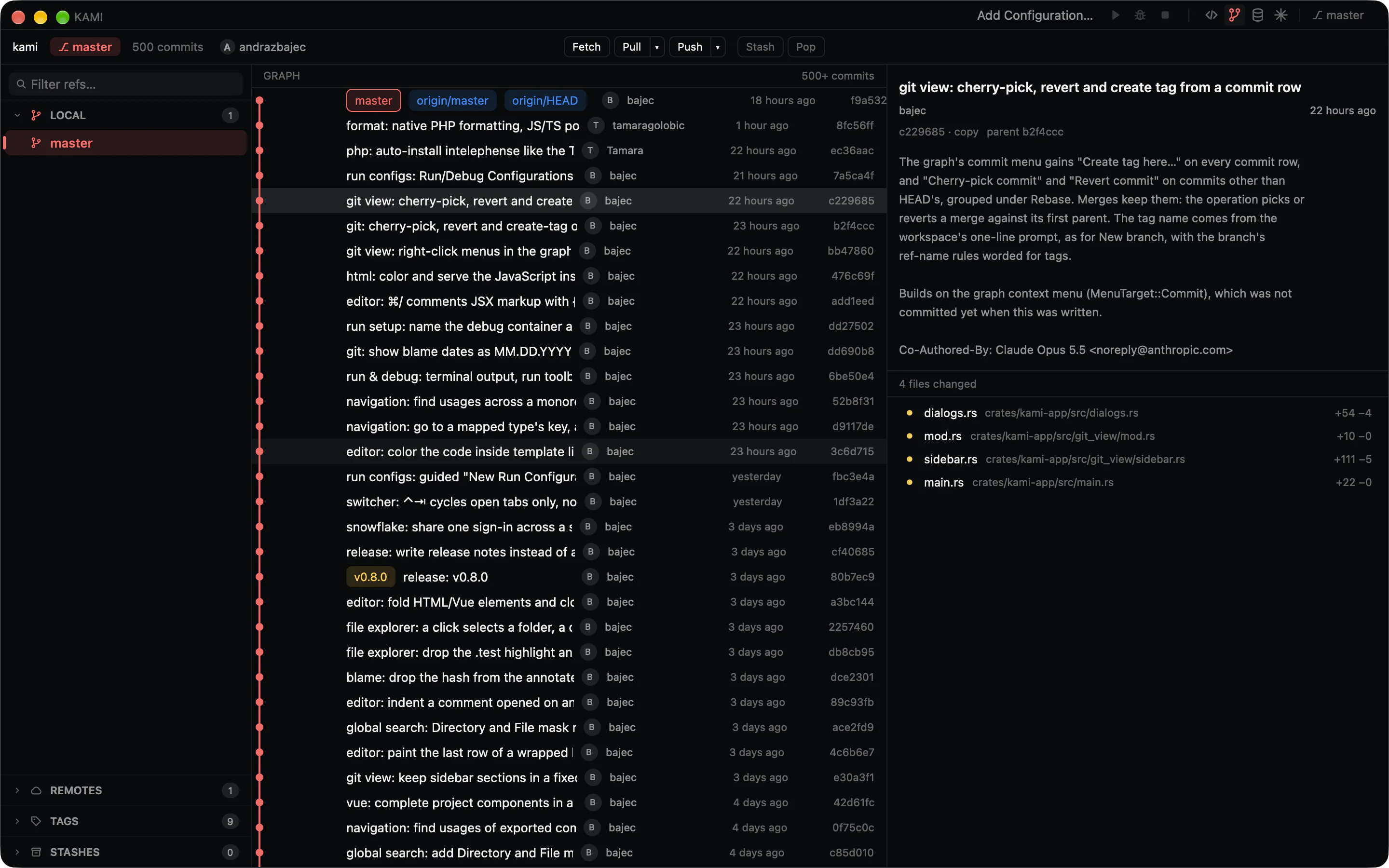
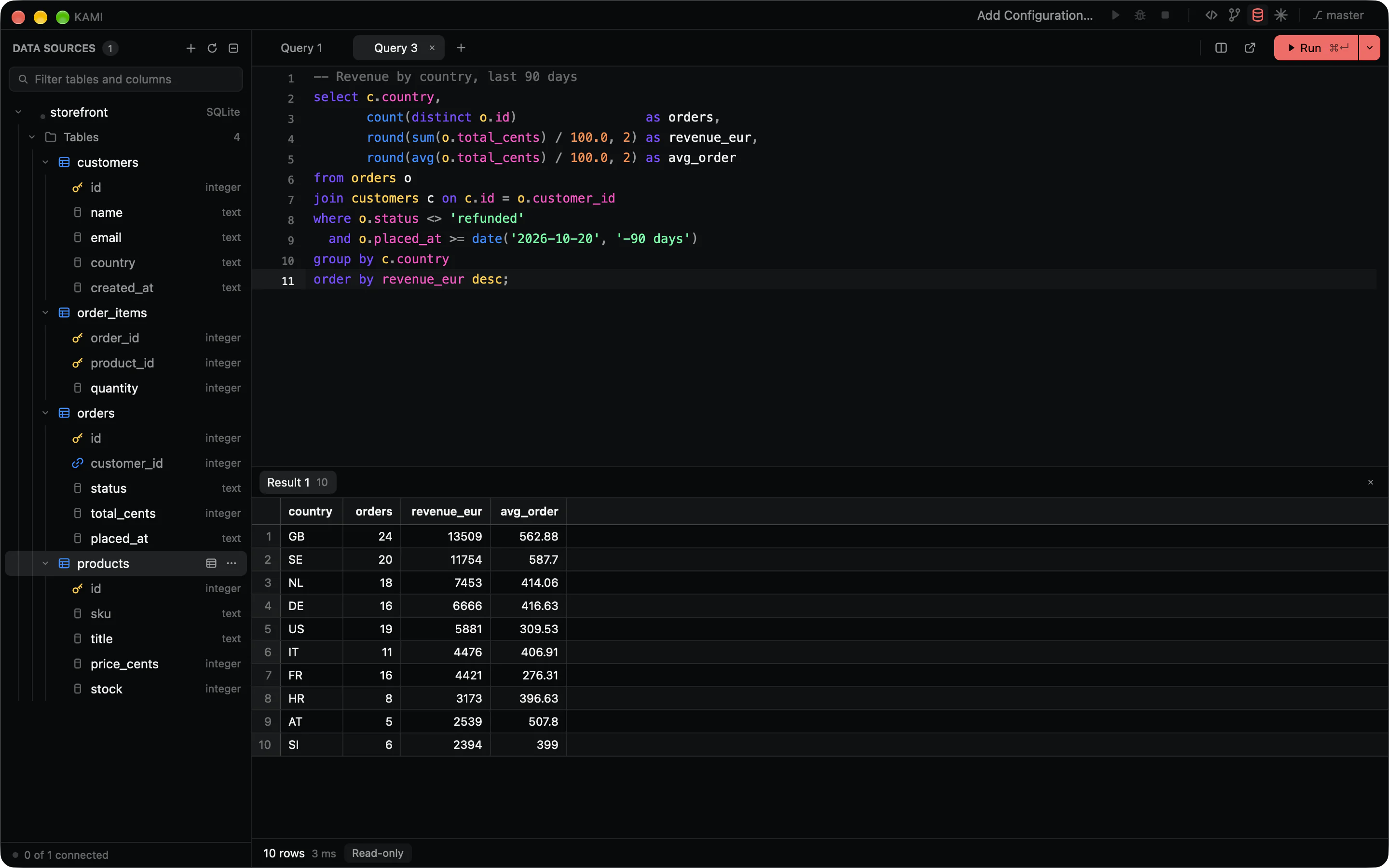
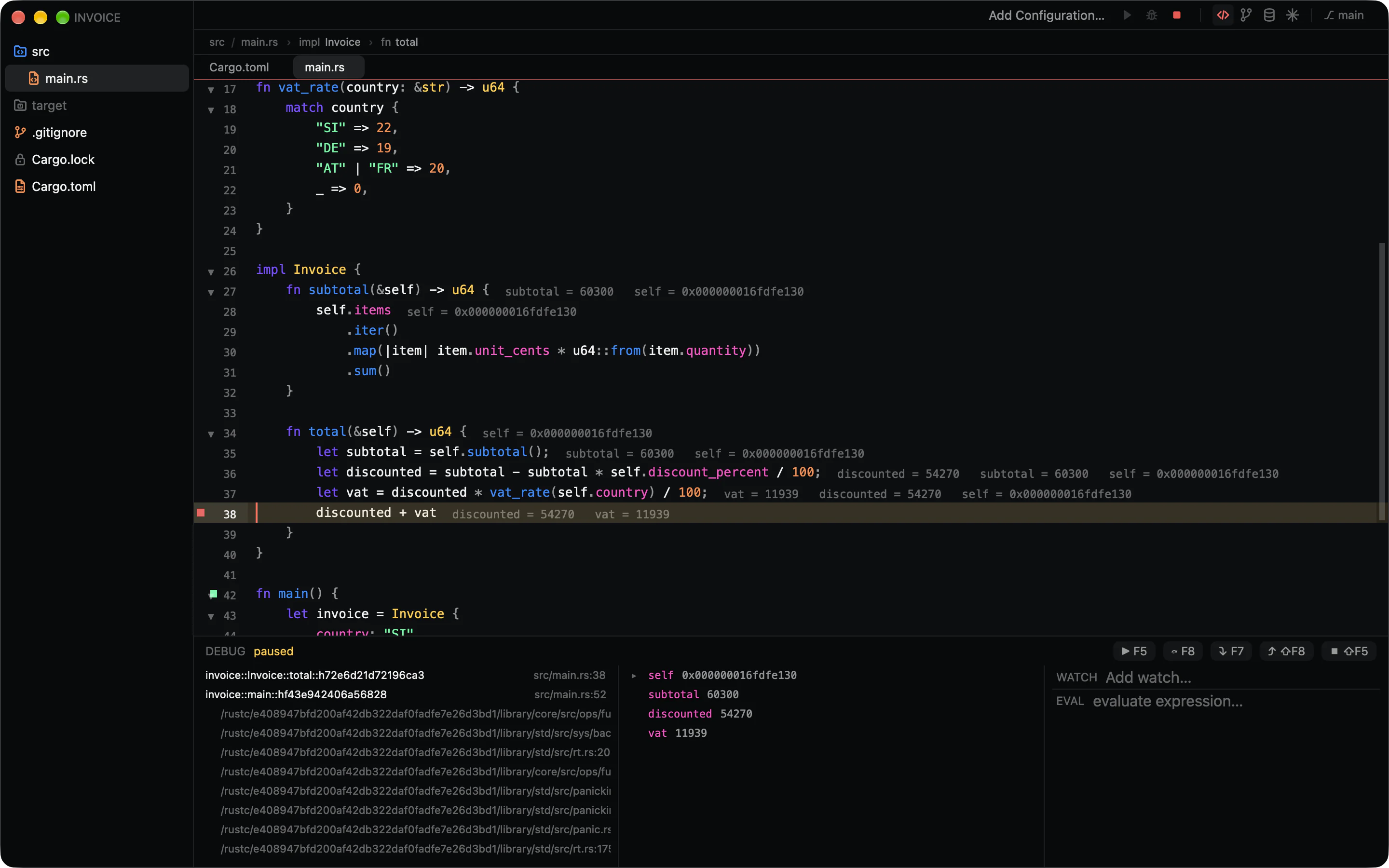
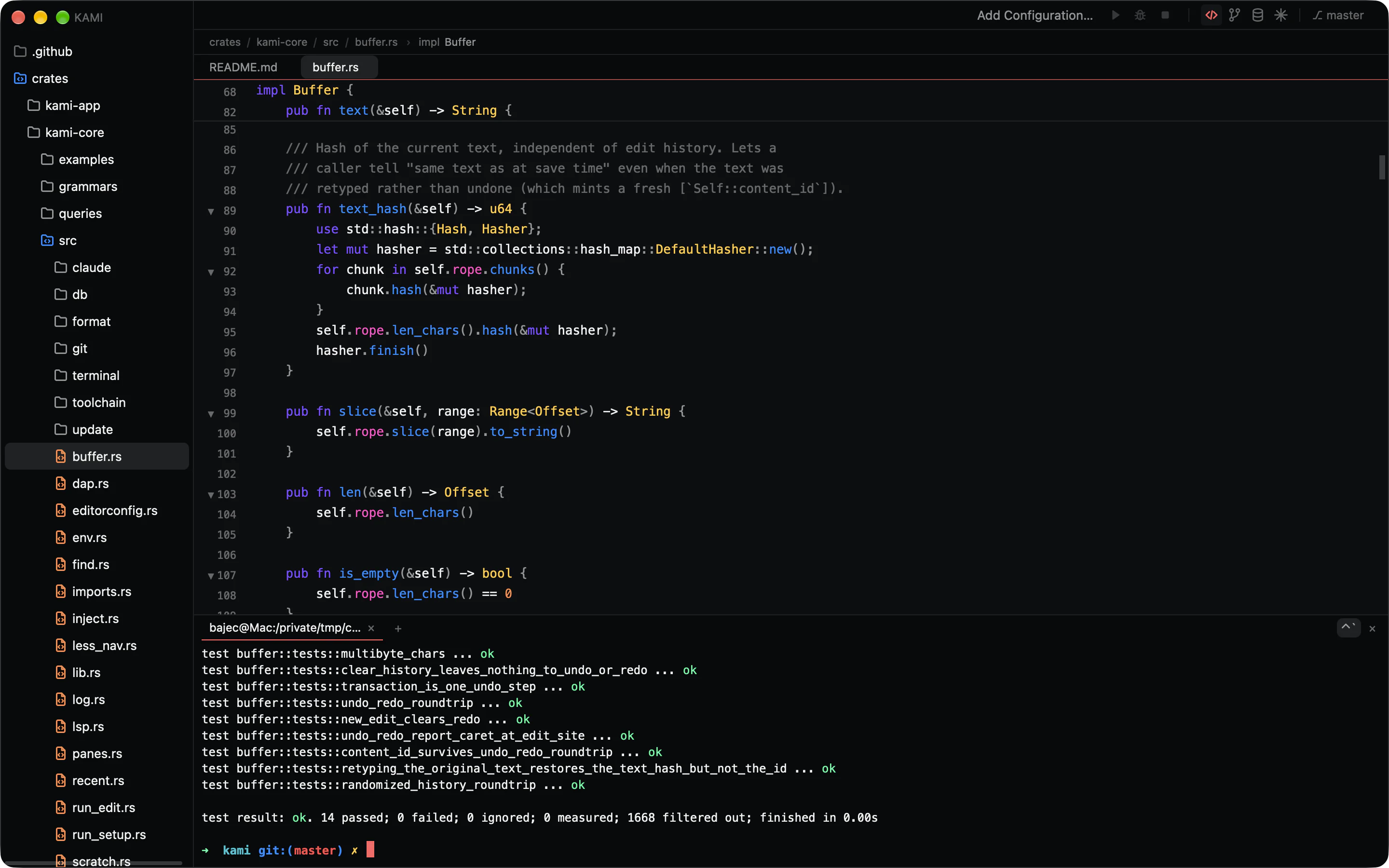
    Git, a debugger, a database client, a real terminal. The reasons people leave a heavy IDE running in the background are built in, and they open as fast as the editor does.

    An editor that knows the shape of your code.

    • Highlighting for 26 languages from tree-sitter, with folding, sticky scope headers and breadcrumbs.
    • Completions that add the import, hover, go to definition, find usages and rename across files.
    • Quick fixes behind one shortcut, inlay hints, and unused code dimmed as you type.
    • A native formatter shaped after IntelliJ’s. Import your .idea code style and keep it.
    • Split a file and edit it in both panes at once.

    ⌥↵ Quick fix⇧F6 Rename⌥⌘L Reformat
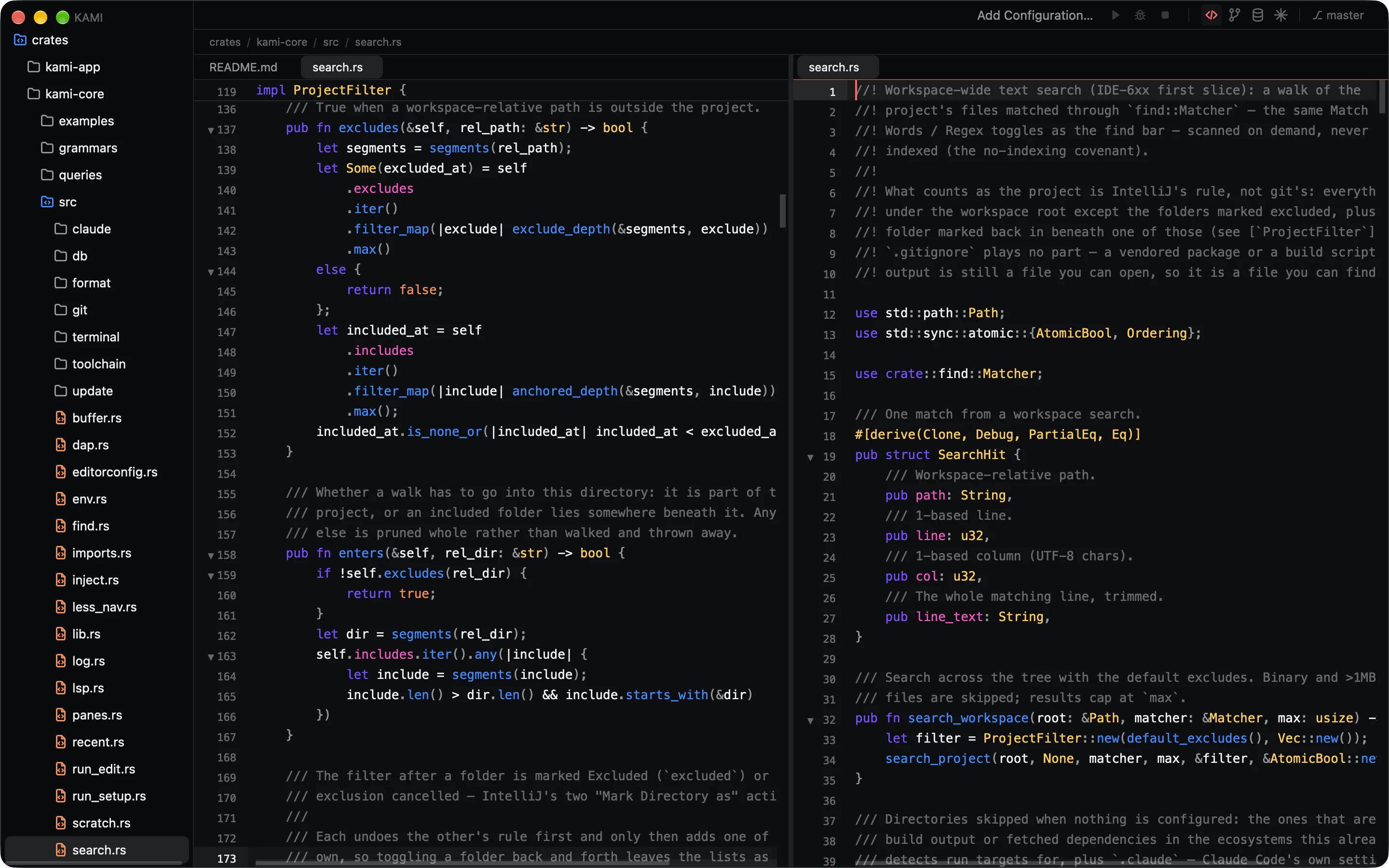
    The Kami editor split in two panes on the same Rust file, with a sticky scope header and folding chevrons.

    Open protocols instead of a proprietary engine.

    The parts of an IDE that make it heavy are the parts Kami doesn’t own. Language servers, debug adapters and grammars are best-of-breed tools that run beside the editor, so a crashed server never takes your window with it.

    The shell is drawn on the GPU through Metal with GPUI, the framework behind Zed. Everything underneath it is a plain Rust core that never touches the UI.

    1. Kami shell GPUI on Metal. Workspace, panels, palette, editor views.
    2. kami-core rope buffertree-sitterLSP clientDAP clientgitripgrepnucleoPTYSQL driversformatter
    3. Beside it, in their own processes rust-analyzertypescript-language-serverintelephenselldb-dapjs-debugclaude

    Bring your hands with you.

    Keymap presets for IntelliJ and VS Code, your own overrides on top, and every change applied the moment you save. Hold ⌘ ⌥ ⇧ or ⌃ to see what each one does.

    Bring your colours too.

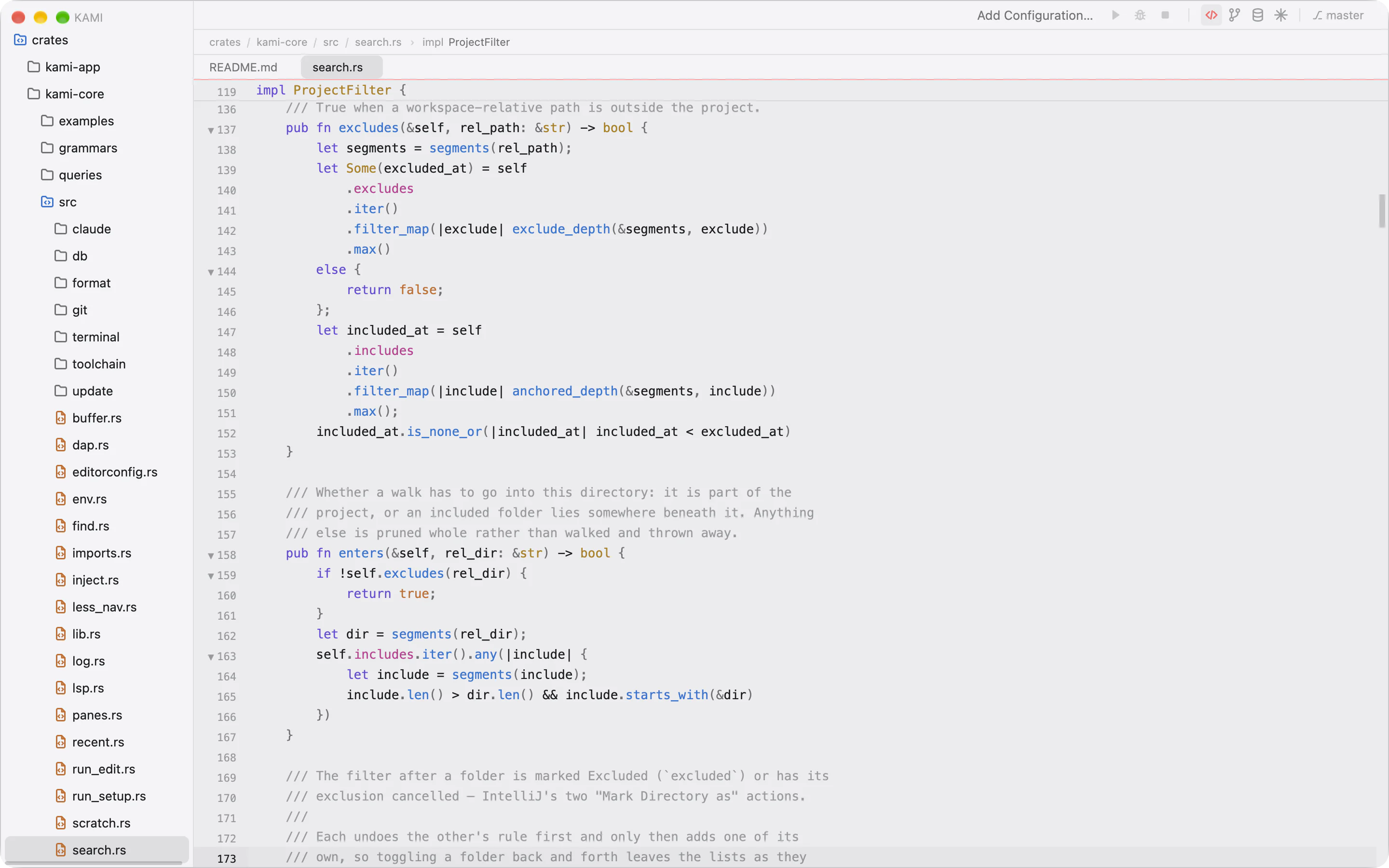
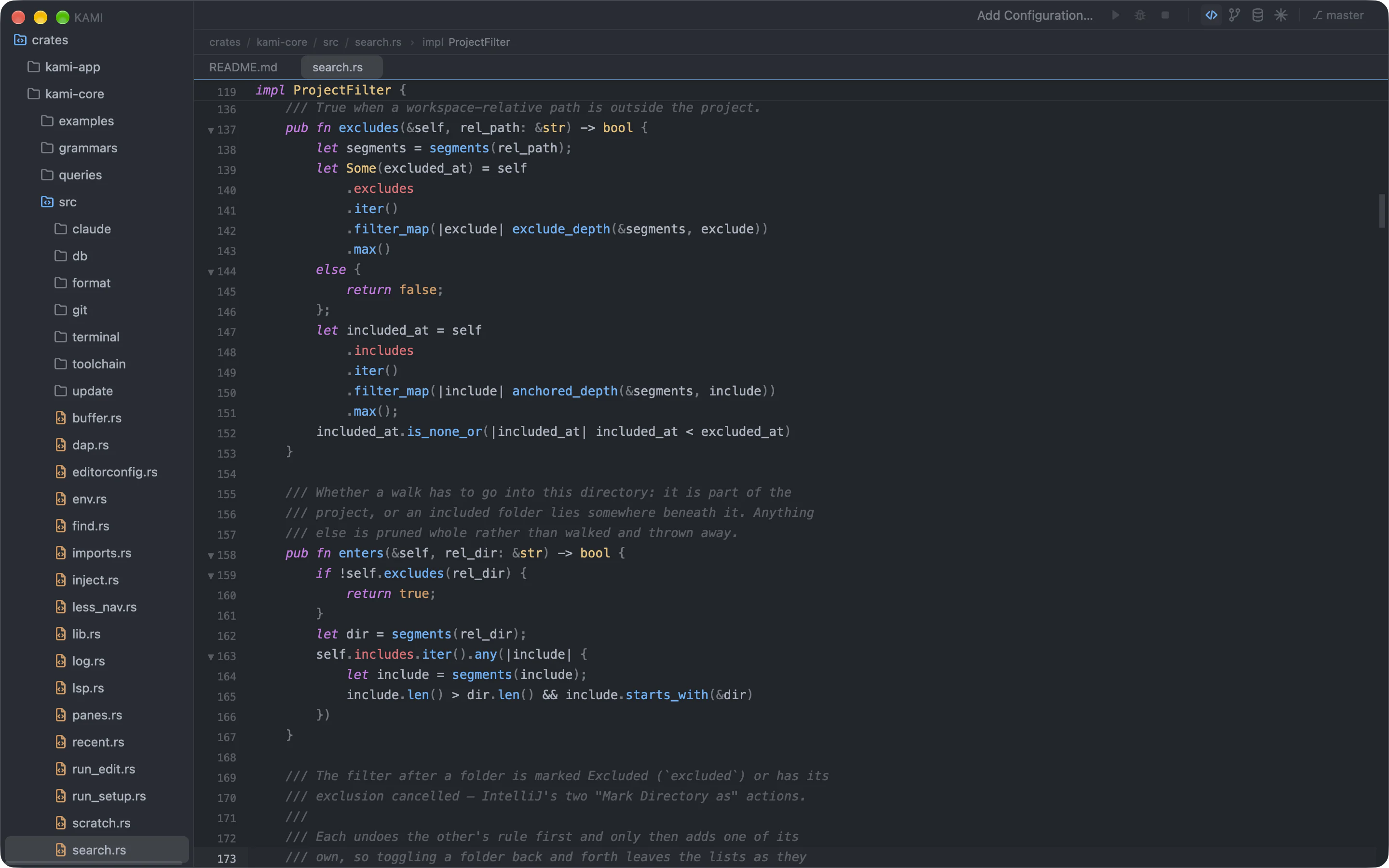
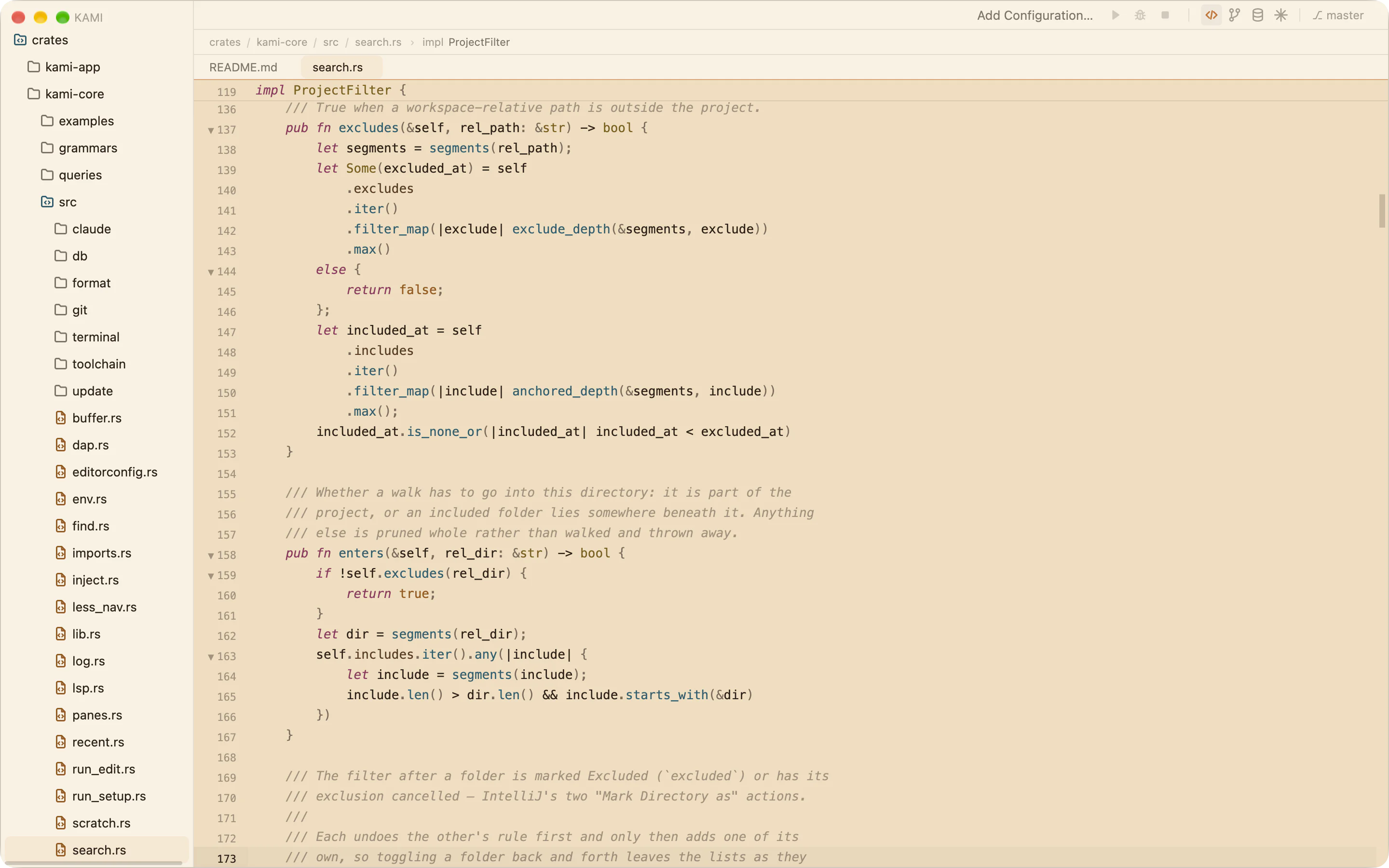
    Four themes ship in the box. Any theme made in Raycast’s Theme Studio loads as it is, because Kami is drawn from the same five base colours and seven accents.

    Kami in the Dark theme.

    What’s new in 0.8

    Snowflake
    Browser sign-in, schema introspection and a Snowflake option when you add a data source.
    A managed Node
    Kami installs its own Node and TypeScript server, checked against published SHA-256 sums, so TypeScript works without a system Node.
    JavaScript debugging
    Attach the debugger to any run configuration, including a service in Docker Compose.
    HTML and Vue
    Fold elements, expand a tag on Enter, close it when you type </, and complete project components in templates.
    • Unused variables and imports are dimmed.
    • Blame is tinted by commit age. Double-click an entry to open its commit.
    • Workspace search filters by directory and file mask.
    • The palette opens file:line at the line.
    • A rebuilt commit composer and “Commit as” dialog.
    • Table data opens in its own tab.
    • Claude asks its questions as cards you can answer.
    • A welcome window on first launch.

    Quiet by default.

    One request a day

    The update check is a plain GET for a public file, with no query string and no identifiers. The version comparison happens on your Mac. Set "check": false and nothing is requested at all.

    Your credentials stay yours

    Claude signs in through its own CLI. Database passwords live in your login keychain. Kami never stores, requests or proxies an account.

    Settings in plain files

    Layered JSONC in ~/.config/kami and your workspace, hot-reloaded. Run configurations go in one file you can commit for the team.

    Start in 90 milliseconds.

    Download Kami for macOS

    Universal app, signed and notarized. Updates itself when you say so.